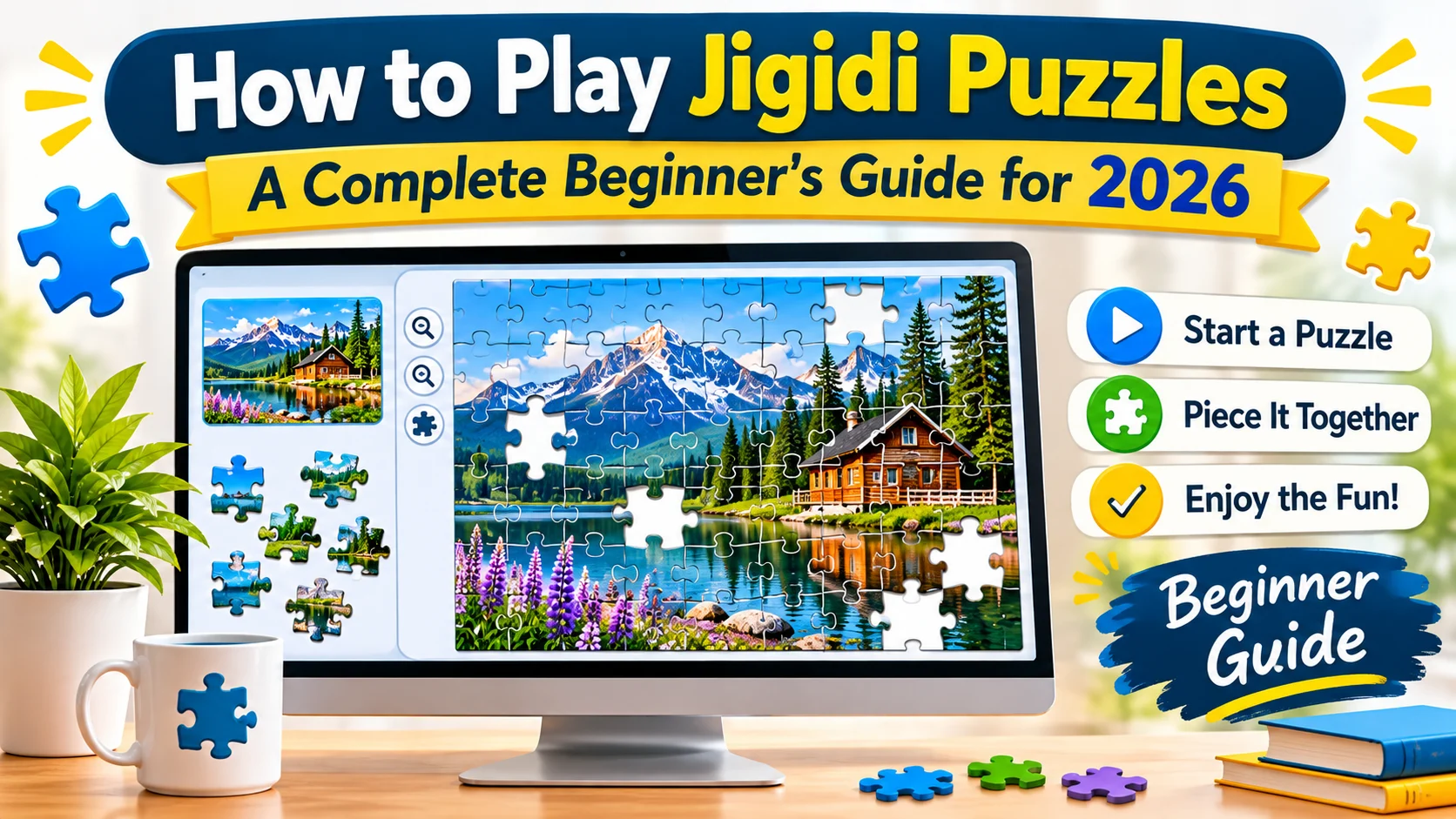
To play Jigidi puzzles, visit Jigidi.com, choose a jigsaw puzzle, and open it to start solving. Drag individual pieces into matching positions using your mouse, touchscreen, or compatible device controls. Use the preview, zoom, pause, and background settings to make solving easier. Complete the picture to finish your puzzle.
Want to enjoy online jigsaw puzzles without downloading complicated software? Jigidi makes it possible to explore and solve digital jigsaw puzzles directly through your web browser. Whether you enjoy beautiful landscapes, adorable animals, colorful artwork, or challenging pictures, there are plenty of puzzles to explore.
However, if you are visiting the platform for the first time, you might wonder how to find a puzzle, move its pieces, adjust the difficulty, or save your progress.
This beginner-friendly guide explains how to play Jigidi puzzles step by step. You will learn how the platform works, how to use its main controls, how to choose suitable challenges, and how to make your puzzle-solving experience more enjoyable.
What Is Jigidi?
Jigidi is an online platform where people can find, create, solve, and share digital jigsaw puzzles.
Unlike traditional cardboard puzzles, Jigidi allows you to complete pictures directly on your computer, tablet, or compatible mobile device. You do not need a physical puzzle board or a collection of cardboard pieces.
The platform features puzzles created by members of its community. You can browse different subjects, choose a picture that interests you, and begin putting its scattered pieces together.
Some popular puzzle categories include:
- Animals and birds
- Nature and flowers
- Landscapes and gardens
- Art and paintings
- Architecture
- Transportation
- Seasonal pictures
- Vintage images
Jigidi also offers community features that allow users to share puzzles and interact with other puzzle enthusiasts. jigidi.com+1
How to Play Jigidi Puzzles Step by Step
Getting started with Jigidi is relatively straightforward. Follow these steps to complete your first online jigsaw puzzle.
Step 1: Visit the Jigidi Website
The homepage displays available puzzles and different categories you can explore.
You can browse the available pictures and select something that matches your interests. If you want a quick challenge, look for the platform’s Quick Play option, which provides a random puzzle.
Step 2: Find a Puzzle You Like
Once you reach the homepage, explore the available puzzle categories.
For example:
- Choose animals if you enjoy pictures of wildlife.
- Select flowers if you prefer colorful floral designs.
- Explore landscapes for mountains, beaches, and scenic views.
- Browse artwork if you enjoy paintings and creative illustrations.
You can also use the available category and size filters to narrow down your choices.
Click the picture or puzzle title you want to solve to open its puzzle page. jigidi.com+1
Step 3: Open the Puzzle
After selecting a picture, open its puzzle page.
Depending on the puzzle, you can start solving immediately or explore its information before beginning.
Take a moment to look at the original picture. Understanding the complete image will help you recognize where individual pieces belong.
Pay attention to:
- Dominant colors
- Objects and shapes
- Background patterns
- Distinctive edges
- Important details
These visual clues will help you organize the pieces more efficiently.
Step 4: Start Moving the Puzzle Pieces
This is the main part of playing Jigidi.
Your puzzle pieces appear scattered across the playing area. Your task is to find matching pieces and bring them together to recreate the original picture.
On a computer:
- Move your mouse pointer over a piece.
- Click and hold the piece.
- Drag it toward a matching piece or position.
- Release it when you have placed it correctly.
- Continue matching pieces until the picture is complete.
On a touchscreen device, use your finger to select and move pieces.
Beginner tip: Start with pieces that have distinctive colors, recognizable objects, or clear visual patterns. These are usually easier to identify than pieces belonging to large areas of similar colors.
Step 5: Use the Preview Image
The preview is one of the most useful tools available while solving a Jigidi puzzle.
It allows you to refer to the completed picture instead of relying entirely on memory.
Use it to identify:
- Where particular objects belong
- Which colors appear together
- How different sections connect
- Where the edges and corners should be
The preview can be pinned open through the side panel, making it easier to refer to the picture while solving. jigidi.com
Step 6: Adjust the Zoom Level
If the puzzle pieces appear too small or too large, use the zoom controls.
Zooming in can help you examine tiny details, while zooming out gives you a better overview of the entire puzzle.
Try the following:
- Zoom in when matching small details.
- Zoom out when looking for missing pieces.
- Choose a comfortable view that keeps the puzzle easy to manage.
The zoom controls are available in the puzzle player’s main navigation. jigidi.com+1
Step 7: Complete the Picture
Continue matching the pieces until the original image is reconstructed.
As you make progress, different sections of the image will become recognizable. This makes it easier to identify where the remaining pieces belong.
When all pieces have been correctly assembled, the platform displays a completion state.
Depending on the puzzle and available settings, you may also see your solving time and a completion message from the creator. jigidi.com+1
Congratulations! You have completed your first Jigidi puzzle.
Understanding Jigidi Puzzle Controls
Knowing the available controls can make your experience much smoother.
The main navigation and side panel provide several useful options.
| Control | What It Does |
|---|---|
| Zoom in | Enlarges the puzzle view |
| Zoom out | Reduces the puzzle view |
| Full screen | Expands the puzzle experience |
| Side panel | Opens additional puzzle tools |
| Preview | Displays the completed picture |
| Pause | Temporarily stops solving |
| Restart | Starts the puzzle again |
| Background colors | Changes the playing area’s appearance |
| Timer and sound | Manages timing and audio settings |
| Change number of pieces | Adjusts the puzzle’s piece count where supported |
How to Change the Number of Pieces on Jigid
One useful Jigidi feature is the ability to change the number of pieces on supported puzzles.
This allows you to adjust the challenge to your preferred difficulty.
Follow these steps:
- Open the puzzle you want to solve.
- Open the side panel.
- Select the option to change the number of pieces.
- Choose an available piece count.
- Restart the puzzle using your selected size.
Keep in mind that the available piece counts depend on the image’s resolution and other technical limitations.
Important: Jigidi explains that completion messages and time tracking follow the puzzle’s original size. Resizing a puzzle does not necessarily provide the same leaderboard or completion experience as solving its original version. jigidi.com+1
How to Save Your Progress on Jigidi
Do you want to stop playing and return to your puzzle later?
Jigidi provides a way to save your progress through a user profile.
According to the official FAQ, you should sign in or create a profile to have your progress saved automatically. You must also remain connected to the internet.
Here is what to do:
- Sign in to your Jigidi account.
- Open the puzzle you want to solve.
- Start arranging the pieces.
- Leave the puzzle when you need a break.
- Return to your account to access your unfinished puzzles.
You can also bookmark puzzles to make them easier to find again.
The bookmark symbol is represented by a heart. A filled heart indicates that a puzzle has been bookmarked. jigidi.com+1
How to Play Jigidi Puzzles on a Phone or Tablet
You do not necessarily need a desktop computer to enjoy Jigidi.
The platform’s website is compatible with mobile devices, including supported smartphones and tablets. jigidi.com+1
To get started:
- Open your mobile browser.
- Visit Jigidi.com.
- Select a puzzle.
- Open the puzzle player.
- Move pieces using touchscreen gestures.
- Use the available controls to adjust your view.
Tips for mobile users
- Hold your device comfortably while playing.
- Use zoom to examine smaller details.
- Choose puzzles with fewer pieces when starting.
- Keep your screen orientation comfortable.
- Avoid selecting pieces too quickly when they are close together.
A tablet can offer a more spacious playing area than a smaller phone screen.
7 Beginner Tips for Solving Jigidi Puzzles Faster
You do not need to be an expert to enjoy online jigsaw puzzles. A few simple strategies can make solving easier.
1. Start With Easy Pictures
Choose pictures with recognizable objects, contrasting colors, and clear details.
Avoid beginning with complicated photographs containing large areas of nearly identical colors.
2. Study the Original Image
Before moving pieces, take a moment to understand the picture.
Notice where objects appear and how different sections connect.
3. Work on Recognizable Sections
Rather than randomly moving pieces, focus on one recognizable area at a time.
For example, you might start with a flower, an animal, a building, or another distinctive object.
4. Use the Preview Frequently
Do not hesitate to check the original image.
The preview helps you identify the correct location of pieces and reduces unnecessary guessing.
5. Adjust the Piece Count
If a puzzle feels too difficult, try a smaller piece count when that option is available.
You can gradually increase the challenge as you become more comfortable.
6. Change the Background Color
Some pieces are easier to distinguish against particular background colors.
Experiment with the side panel’s color options to find a comfortable setting. jigidi.com+1
7. Take Breaks
If you cannot find a matching piece, step away for a moment.
Returning with fresh eyes can make patterns and connections easier to recognize.
Do You Need an Account to Play Jigidi?
No. You can browse and solve available puzzles without necessarily creating an account.
However, joining Jigidi provides additional features.
| Without an Account | With an Account |
|---|---|
| Browse available puzzles | Browse available puzzles |
| Solve puzzles | Solve puzzles |
| Explore puzzle categories | Explore puzzle categories |
| Limited profile-based features | Save progress automatically |
| No personal puzzle profile | Create your own puzzles |
| No account-based community identity | Interact through your profile |
Jigidi’s homepage explains that joining is free and allows users to save progress, create puzzles, and communicate with other members. jigidi.com+1
Is Jigidi Free to Play?
Jigidi offers free online jigsaw puzzles that people can enjoy through its website.
The platform also provides Jigidi Plus, a paid membership option that removes advertisements and supports the service.
Therefore, you can explore its free puzzle experience without automatically needing a paid membership. jigidi.com+1
What Happens When You Finish a Jigidi Puzzle?
Completing a puzzle is the most rewarding part of the experience.
When all the pieces are assembled, Jigidi displays a completion state.
Depending on the puzzle, you may be able to:
- View your solving time.
- Restart the puzzle.
- Share the completed puzzle.
- Read a message from its creator.
- Return to the puzzle’s discussion page.
- Change the number of pieces for another attempt.
Some of these features depend on the puzzle’s original size and available settings. jigidi.com+1
People Also Ask
1. How do you start playing Jigidi puzzles?
Visit Jigidi.com, browse the available puzzle categories, and select a picture. Open its puzzle page and begin arranging the scattered pieces to recreate the original image.
2. Is Jigidi free to play?
Yes. Jigidi offers free online jigsaw puzzles. It also provides an optional Jigidi Plus membership for users who want an advertisement-free experience.
3. Do I need to download anything to play Jigidi?
No. You can access Jigidi through a compatible web browser. This makes it convenient to play on supported computers, smartphones, and tablets.
4. Can I play Jigidi puzzles on my phone?
Yes. Jigidi’s website supports mobile devices. You can open puzzles through your mobile browser and use touchscreen controls to arrange the pieces.
5. How do I change the difficulty of a Jigidi puzzle?
Open the puzzle’s side panel and select the option to change the number of pieces. Choose an available size and restart the puzzle. The available choices depend on the image.
6. Can I save my Jigidi puzzle progress?
Yes. Sign in or create a Jigidi profile to save your progress automatically. You need an internet connection to use this progress-saving feature.
7. How do I restart a Jigidi puzzle?
Open the puzzle’s side panel and select the Restart option. This allows you to start the puzzle again if you want another attempt.
8. Can I create my own puzzles on Jigidi?
Yes. Registered users can upload an image, adjust the puzzle difficulty by selecting the number of pieces, and create their own jigsaw puzzles. Publishing an image also requires appropriate permission to use it.
9. How do I find unfinished puzzles on Jigidi?
Sign in to your profile and look for your in-progress puzzles. You can also bookmark puzzles to make them easier to locate later.
10. Is Jigidi suitable for beginners?
Yes. Beginners can start with simple pictures and smaller piece counts. As they become more comfortable recognizing patterns and matching pieces, they can explore more challenging puzzles.
Conclusion
Learning how to play Jigidi puzzles is simple once you understand the platform’s basic features. Choose a picture, open the puzzle, move matching pieces into position, and use helpful tools such as the preview, zoom, and background settings along the way. You can also adjust the piece count, bookmark puzzles, and save your progress with an account. Whether you are a complete beginner or an experienced jigsaw enthusiast, Jigidi offers an accessible way to enjoy online puzzles. Start with an easy picture, practice your matching skills, and gradually explore more challenging designs.

Ethan Brooks is a puzzle enthusiast and writer at PuzzleNexa.com, creating fun riddles, brain teasers and logic puzzles designed to challenge minds and spark curiosity.